Navigation
Use canvas navigation controls to move around your work, arrange nodes, and collaborate without leaving the Canvas.
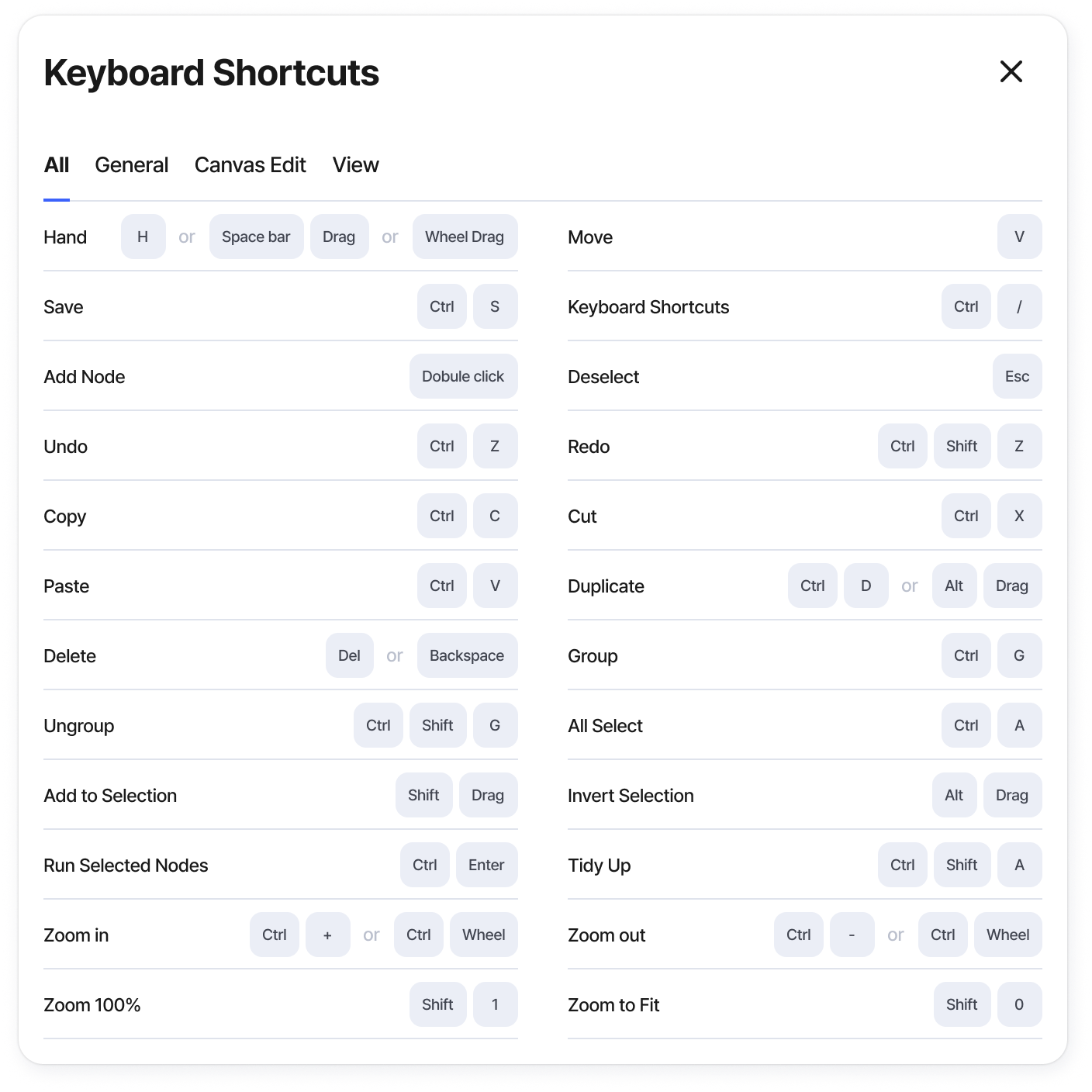
Keyboard Shortcuts (ctrl + /)
Press Ctrl + / to open the current keyboard shortcut list.
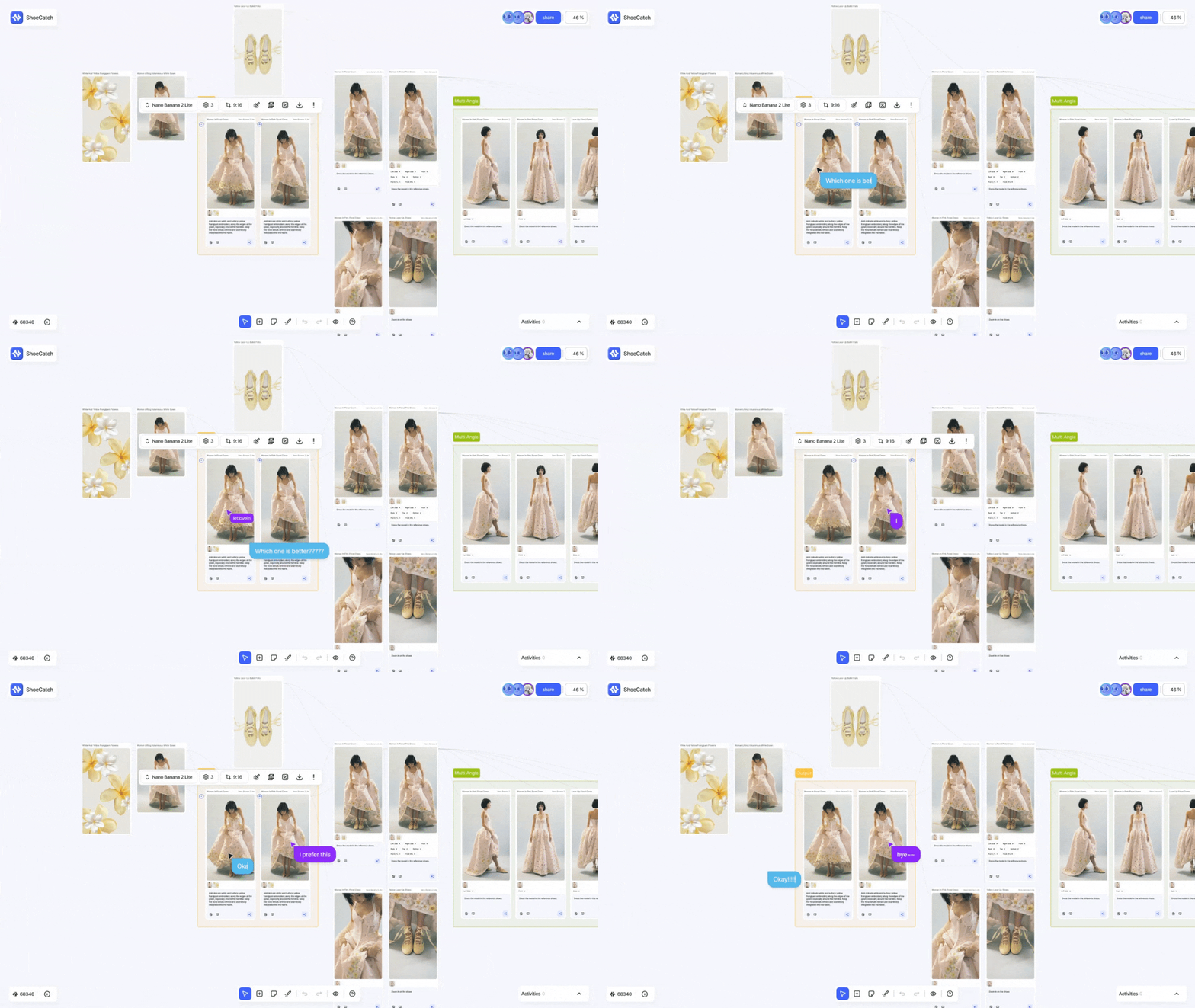
Press / anywhere on the Canvas to start Cursor Chat at your current cursor position. Your messages are shared with collaborators in real time.
Trackpad
Drag with two fingers to move, pinch to zoom in or out.
Arrange multiple nodes

Select multiple nodes to arrange them vertically, horizontally, or in a grid.
Smart guides and alignment snapping appear while you move nodes. Use them to align objects and keep spacing consistent.
Focus and present
Use Lens Mode > Focus to highlight the selected node and its direct connections.

Use Laser Pointer when you want collaborators to see the area you are pointing at in real time.

Was this helpful?
Still need help? Ask the team